
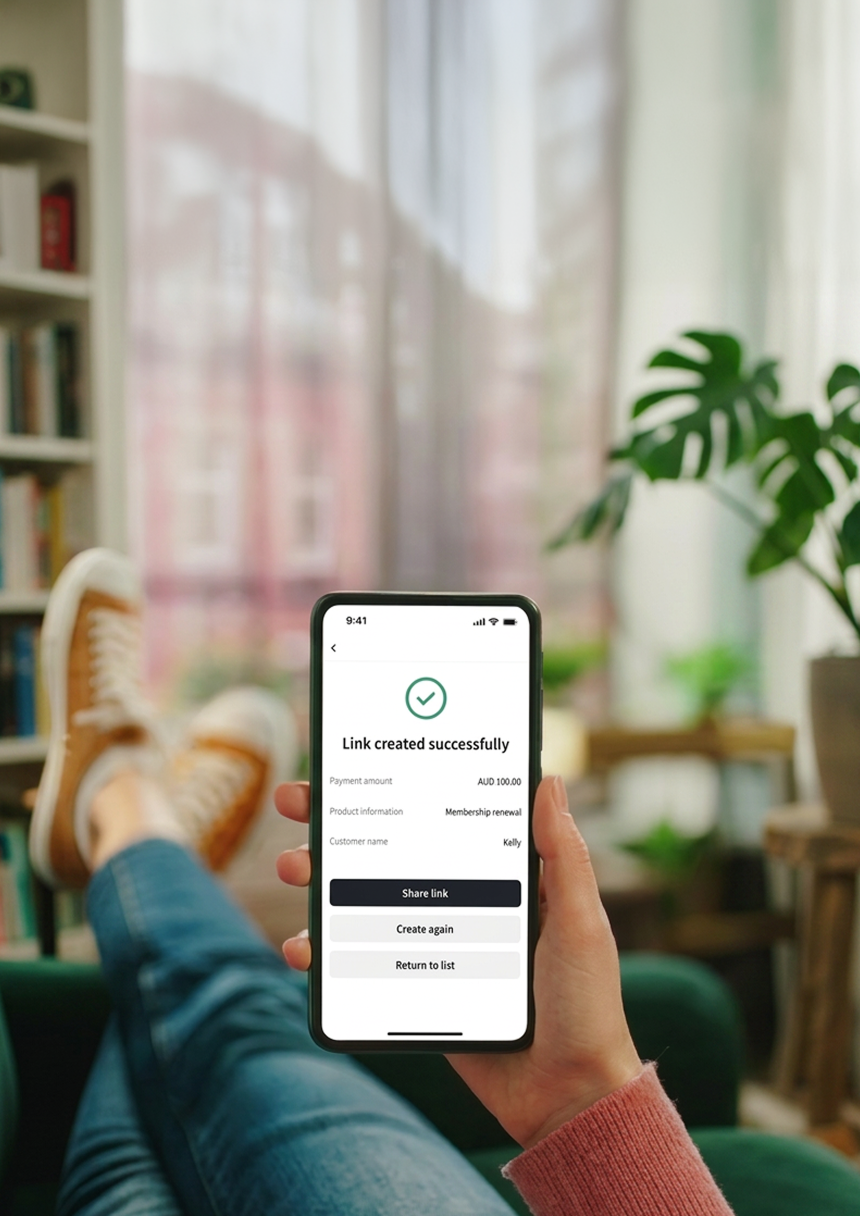
Get Paid Beyond the Counter
- Extend Your Reach Beyond Your Shopfront: Already accepting payments in-store with KPay? Now take payments remotely too. Send a secure payment link to collect deposits, bookings, or custom orders – no online store needed.
- Built for Sole Traders and Service-Based Businesses: Whether you're a salon taking bookings, a tradie quoting a job, or a florist confirming a custom order: get paid on the spot via any messaging app.
- Set Up in Minutes: Create a payment link from your KPay App or Dashboard and share it with your customers – no code or technical expertise required.
3-Step Setup
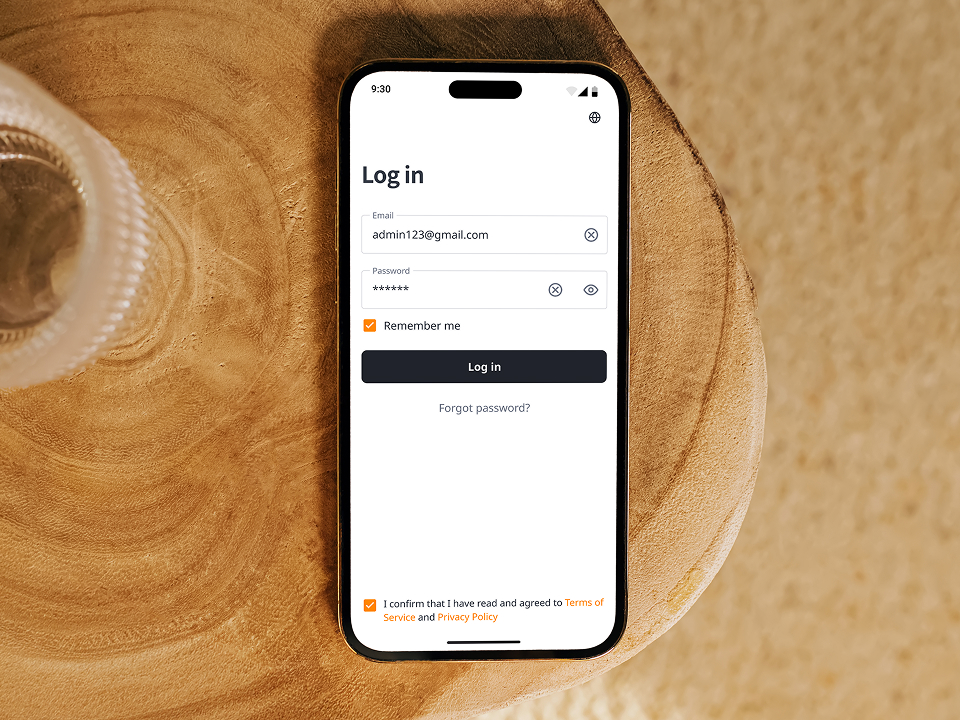
Step 1
Log in to your KPay Portal or App
Go to Payment Links and select 'Activate Now'.
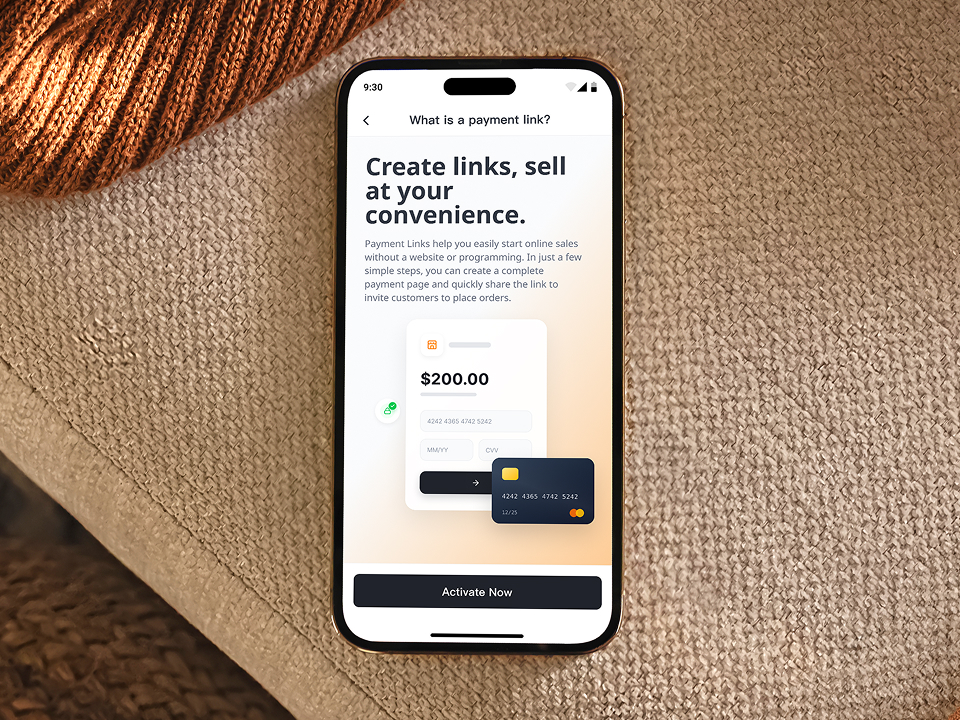
Step 2
Create a Link
Add the amount and description, then click 'Create Link'. Sending to multiple customers? Use Bulk Create to generate links in one go.
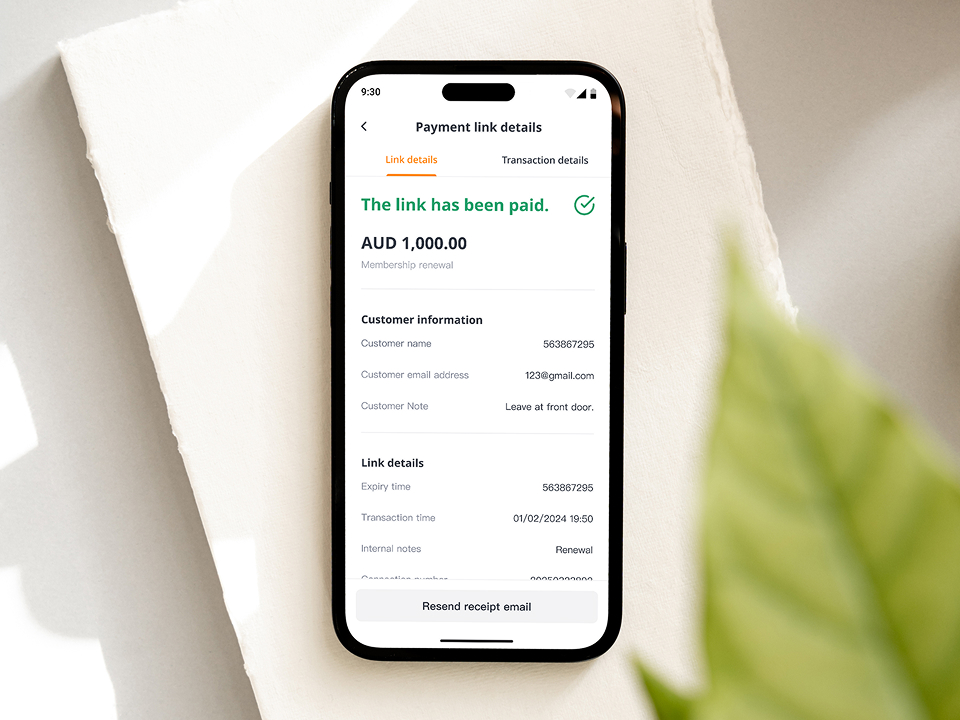
Step 3
Send & get paid
Share the link via SMS, email, QR code or any messaging app. Your customer pays through a secure checkout.
Uncompromising Security. Every Transaction.

24/7 Payment Flexibility
Let customers pay whenever it's convenient for them. For instance, a fitness trainer running online sessions can send payment links ahead of time, allowing clients to pay at their convenience – even at midnight.
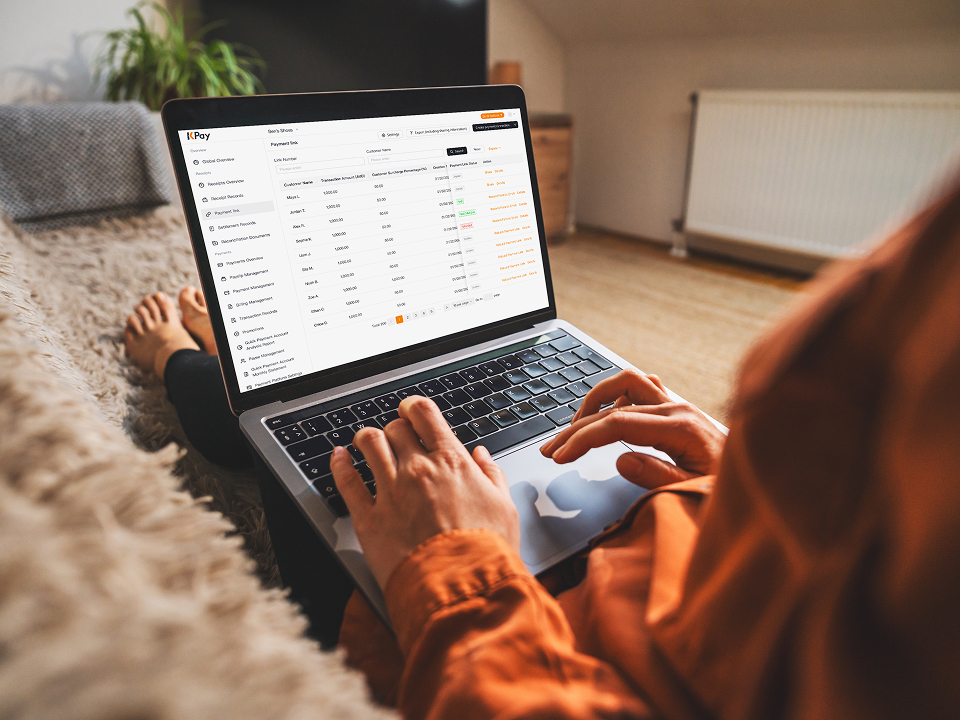
Real-Time Payment Tracking
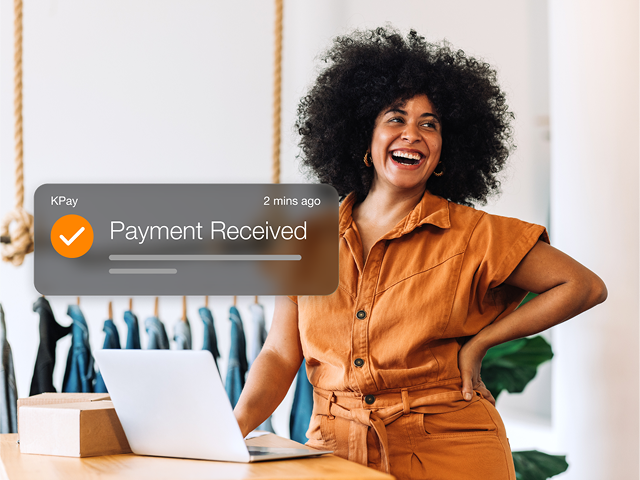
Stay on top of every transaction with instant notifications and a live dashboard. Know the moment a customer pays, and easily reconcile your records without chasing invoices.

Enterprise-Grade Security
Every payment link is protected with industry-standard encryption and fraud detection. Your customers can pay with confidence, and you can focus on running your business.
Payment Flexibility
Real-Time Tracking
Secure Payments
FAQ
What's a Payment Link?
A Payment Link is a unique URL you generate from your KPay App or Dashboard. You share it with your customer via SMS, email, QR code, or any messaging app. When they tap the link, they're taken to a secure checkout page to complete their payment – no website needed on your end.
What can I use Payment Links for?
Some examples:
- Phone orders – Customer calls to place an order, you send a link to collect payment
- Deposit collection – Secure a booking, reservation, or event attendance upfront
- Invoice settlement – Replace manual bank transfer requests with a simple payment link
Are Payment Links secure?
Yes. Every payment is processed on a secure, encrypted checkout page. All transactions are verified with 3D Secure (3DS) authentication, which requires the customer to confirm their identity before the payment goes through. Your customer's card details never touch your systems.
How does a Payment Link work?
Three steps:
- You create a link – Log into your KPay Portal or App, go to Payment Links, set the amount and description, and generate the link.
- You share it – Send the link to your customer however you normally communicate – SMS, email, WhatsApp, even a printed QR code.
- Your customer pays – They tap the link, land on a secure checkout page, enter their card or wallet details, and pay. You get notified instantly.
Can I create multiple Payment Links at once?
Yes. The Bulk Create feature lets you generate multiple Payment Links in one go. Each link is unique, so you can track which customer has paid. This is ideal for businesses sending individual links to a list of customers.