Tap to Pay on iPhone
Accept contactless payments right on your iPhone.
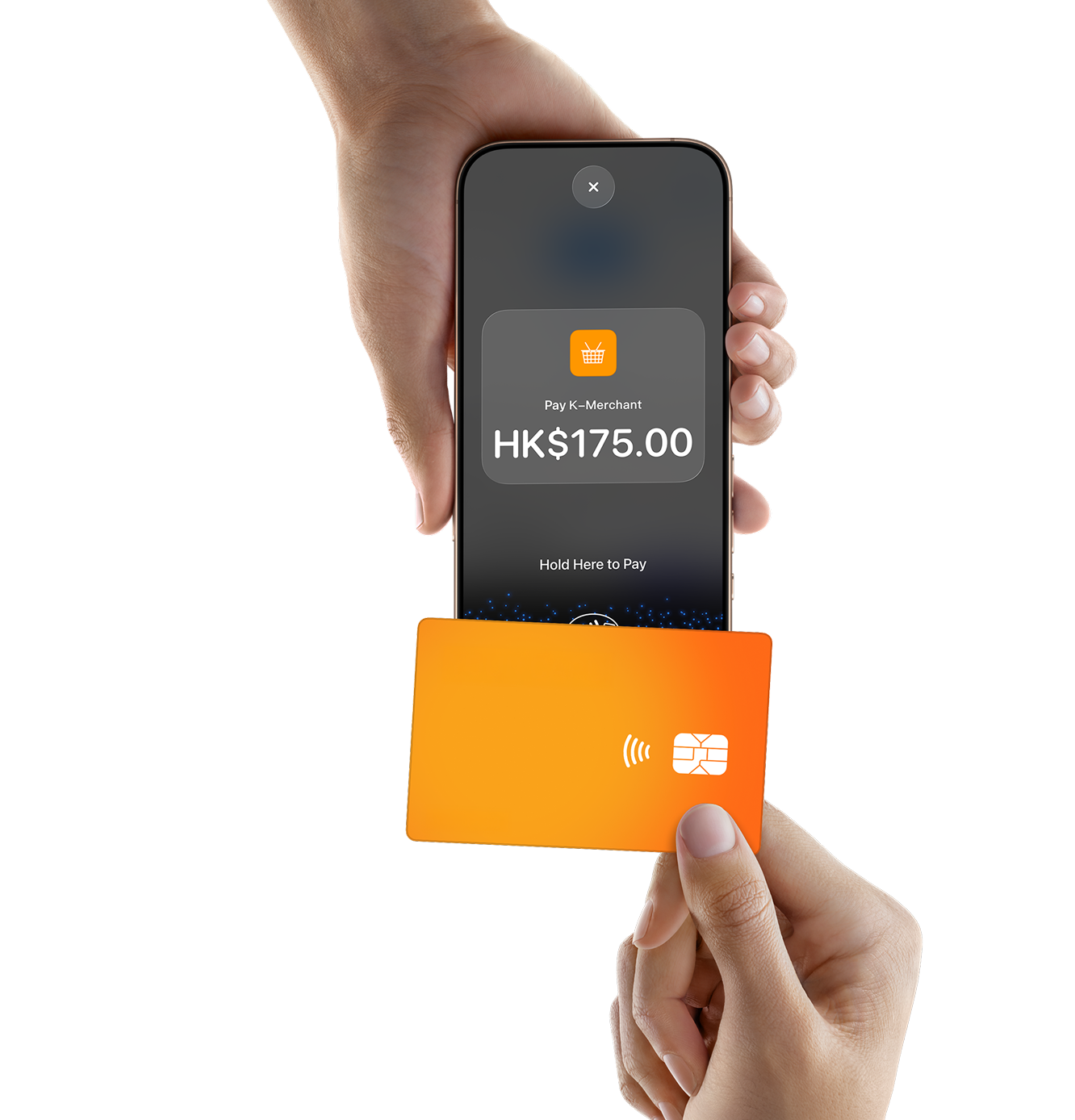
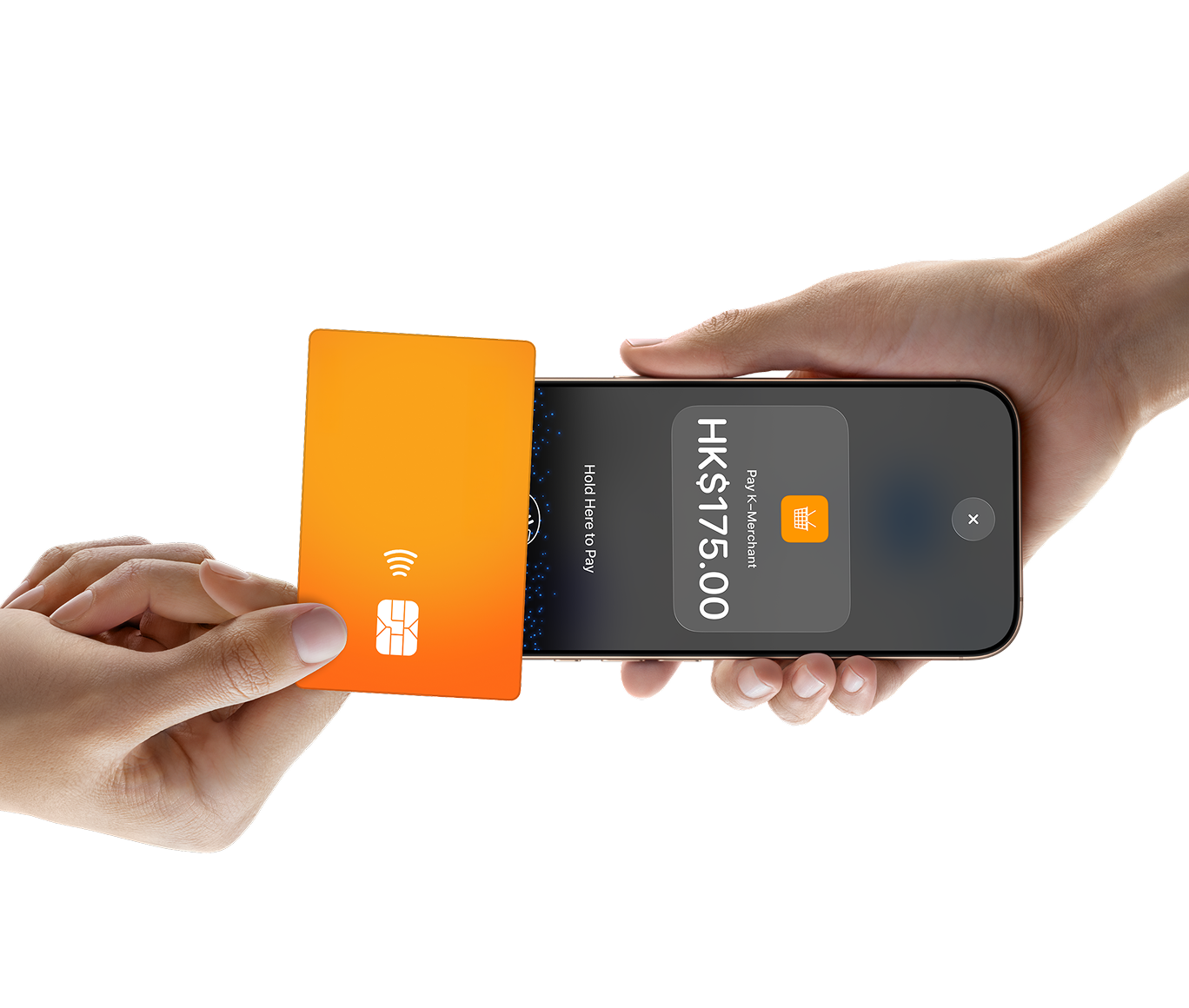
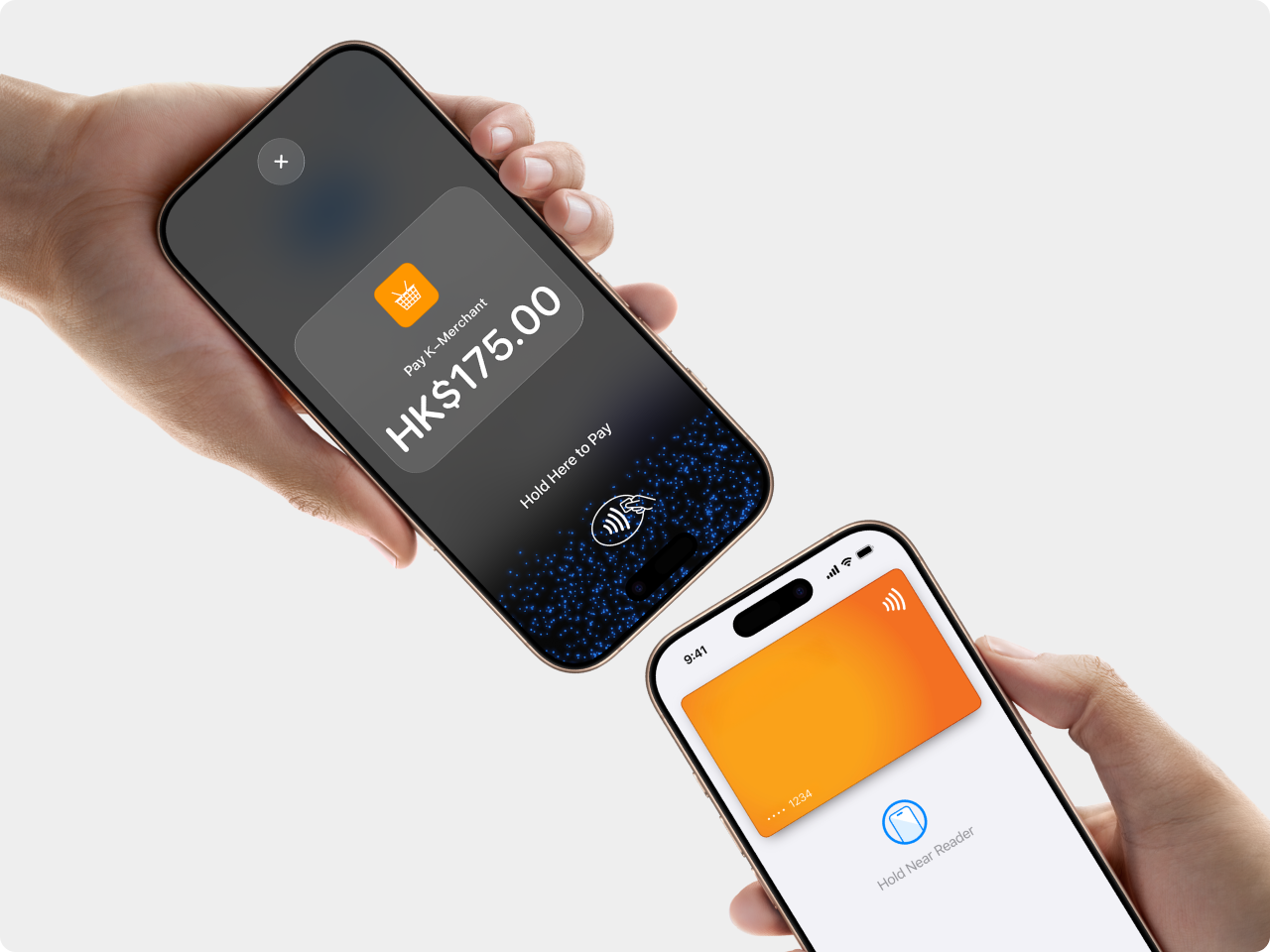
Tap to Pay on iPhone is now available with KPay App.◊ That means anyone can accept all types of in-person, contactless payments — from physical debit and credit cards to Apple Pay and other digital wallets. It’s easy and secure, and no additional hardware is needed. All you need is iPhone.
How it works.
Expand where you do business.
With Tap to Pay on iPhone, anyone can do business in more places simply by accepting contactless payments right on iPhone. The checkout experience makes it easy to reach new customers, take payments on the go, and explore new setups, like line busting. All you need is iPhone and the KPay App.
No additional hardware required.
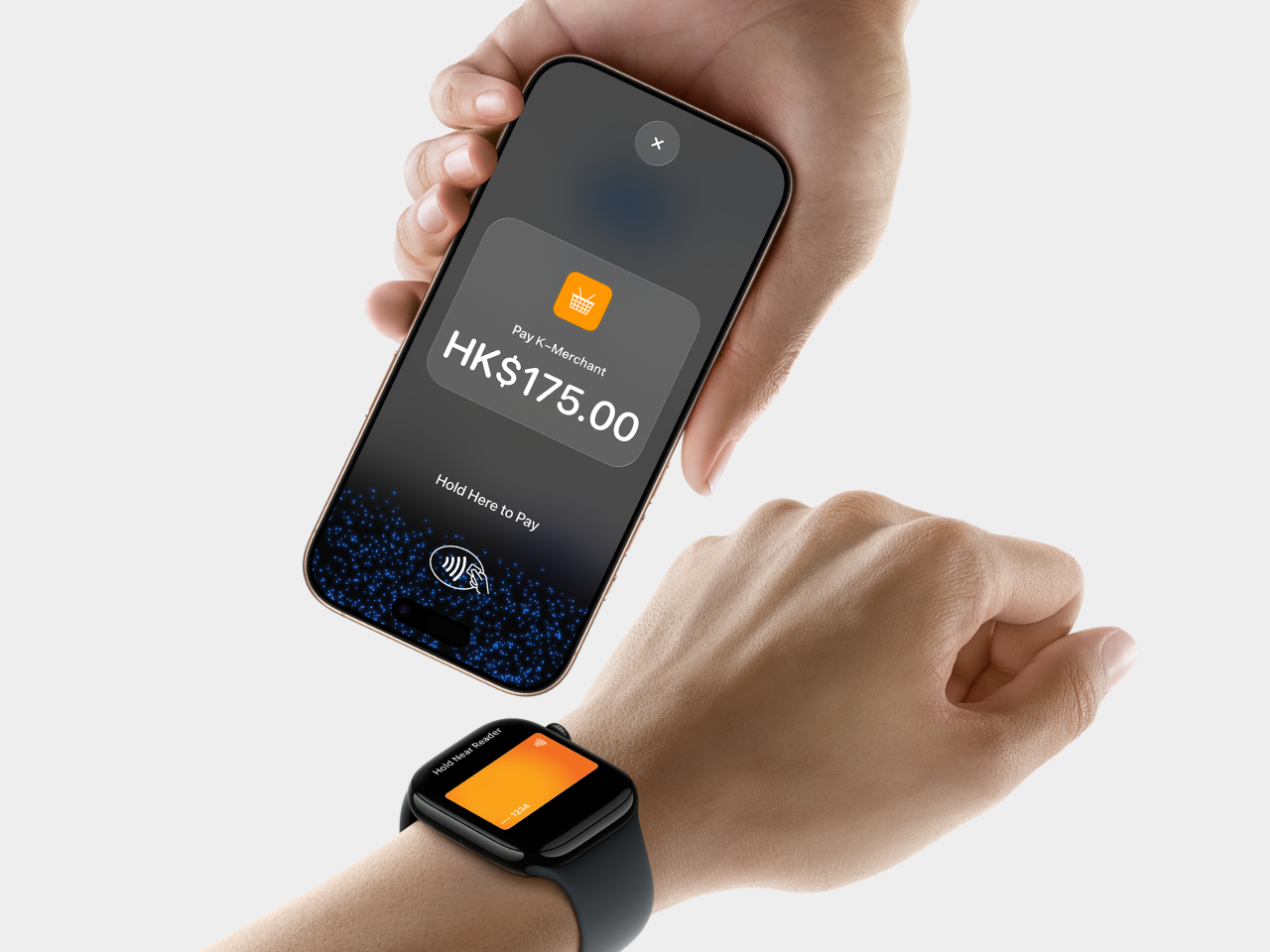
There’s no need to invest in and manage card readers and terminals, so Tap to Pay on iPhone makes it simple to start a new business or expand a current one. With just an iPhone and the KPay App, anyone can accept contactless payments. It’s that simple.
Privacy and security built in.
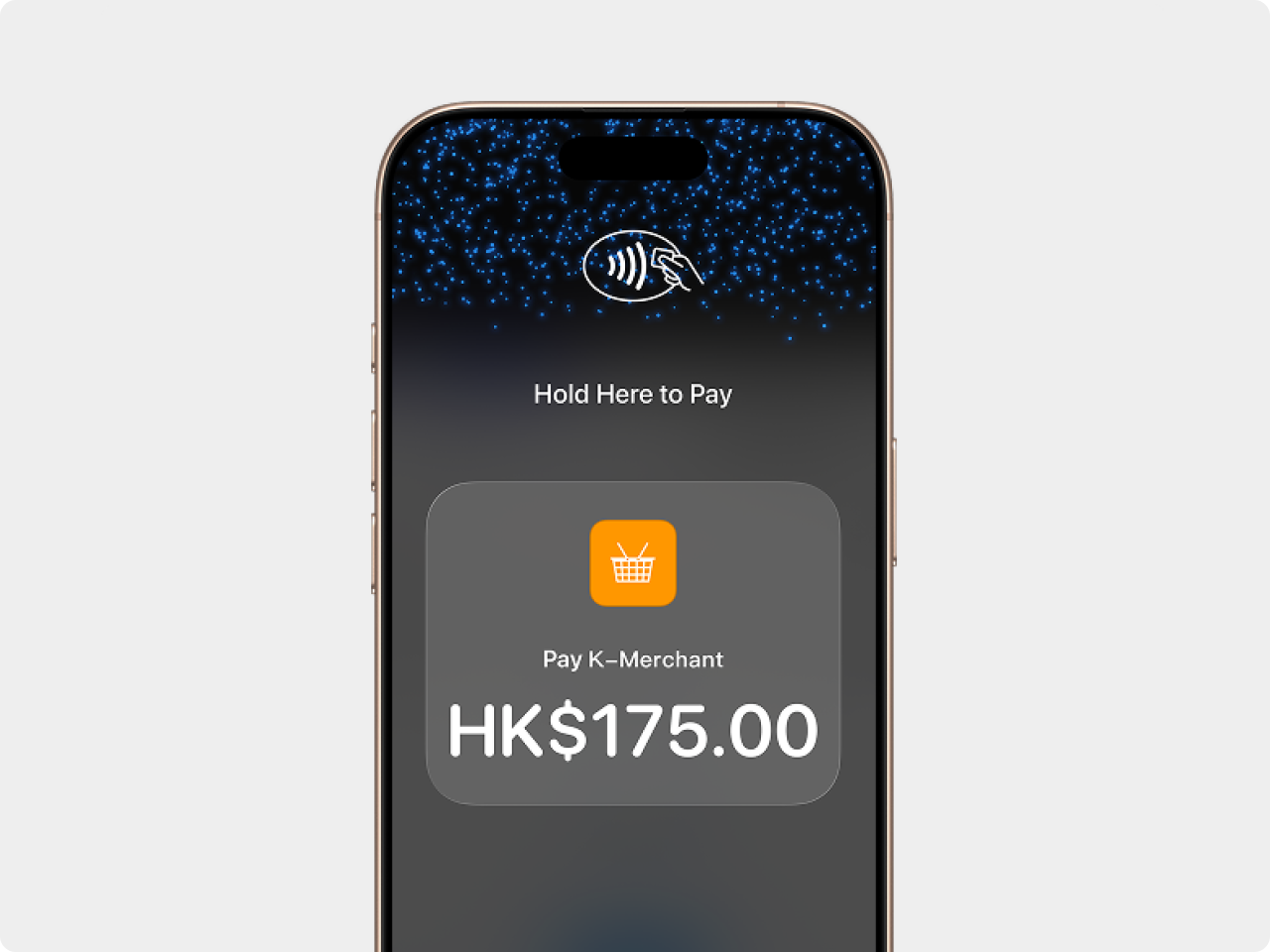
Tap to Pay on iPhone uses the built-in security and privacy features of iPhone to help protect your business and customer data. When a payment is processed, Apple doesn’t store card numbers or PIN information on iPhone or on Apple servers – helping to protect your business and customer data.◊ So merchants and customers can rest assured that their data stays theirs.
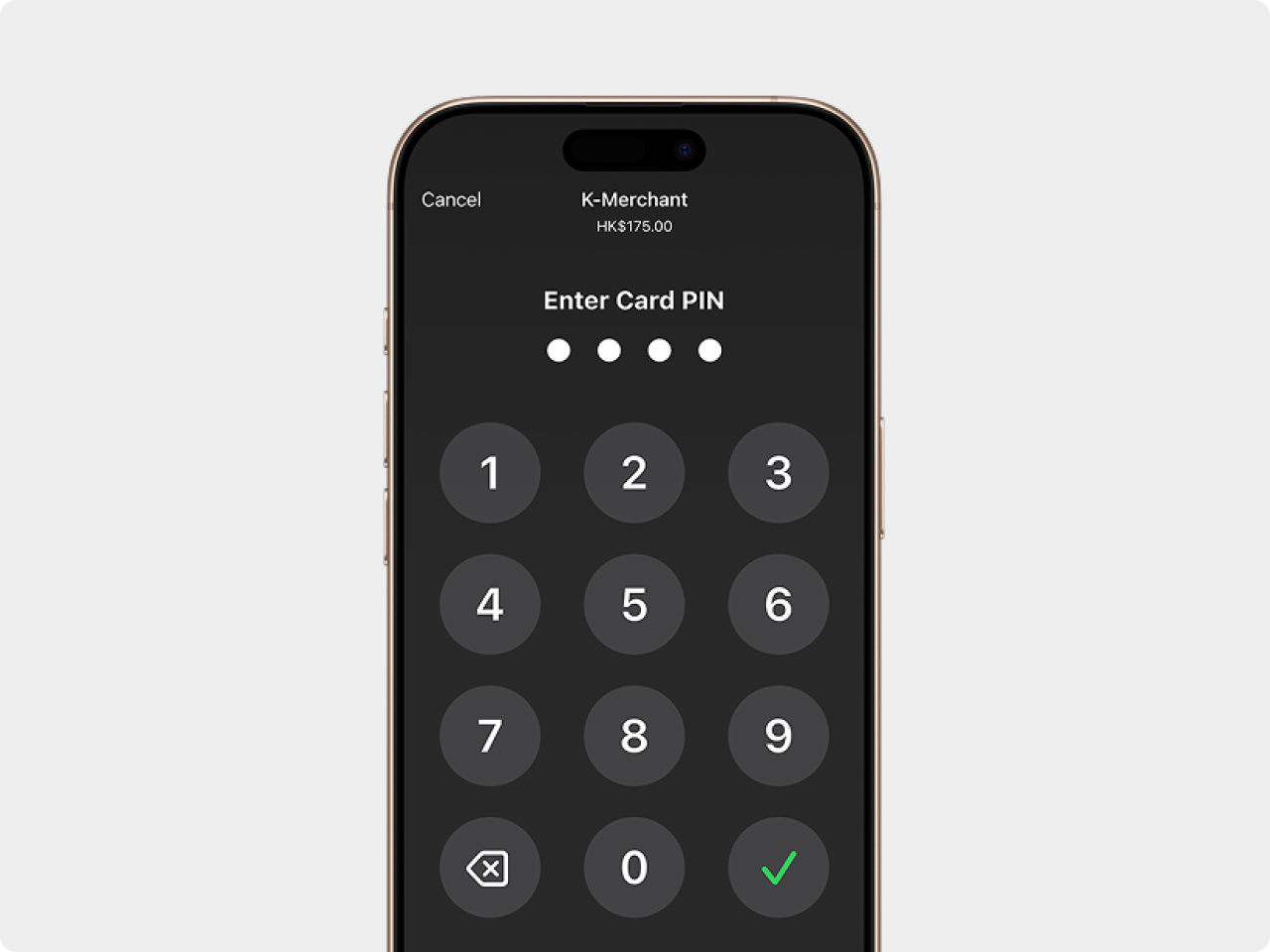
PIN transaction
protection.
Transactions that require PIN entry will automatically prompt a PIN entry screen when using Tap to Pay on iPhone. During transaction, Tap to Pay on iPhone is designed to prevent all photo, video, screenshot, and screen-recording features on the merchant’s iPhone from capturing a customer’s card number or PIN information.
Accessibility features built in.
For customers needing visual or other assistance, accessibility options are built into Tap to Pay on iPhone to help them securely enter PIN information. Audible instructions guide customers to draw their PIN on the screen or tap the screen to indicate each digit — tapping once for 1, twice for 2, and so on. To submit their PIN, they simply swipe right with two fingers.

It's easy to get started.
STEP 1
Download the KPay App
STEP 2
Add device
STEP 3
Accept in-person, contactless payments - right on iphone
FAQ
How do I accept payments?
Accepting payments with Tap to Pay on iPhone is easy. First enable Tap to Pay on iPhone in the KPay App. Then open the KPay App, go to the Sale page, enter the purchase amount, and present your iPhone to your customer. Customers can hold their card horizontally or place their payment device directly over the contactless payment icon. They can pay with a physical debit or credit card, Apple Pay, or other digital wallets, including Android. For more information, review the Tap to Pay on iPhone instructions.
Which devices work with Tap to Pay on iPhone?
Tap to Pay on iPhone requires iPhone Xs or later.
Which operating systems can I use Tap to Pay on iPhone with?
Tap to Pay on iPhone works best with the latest version of iOS. To update to the latest version of iOS on your iPhone, go to Settings > General > Software Update. Then tap Download and Install.
Which payment types can I accept?
With Tap to Pay on iPhone, you can accept all types of in-person, contactless payments right on your iPhone — from physical debit and credit cards, including Visa, Mastercard, JCB, UnionPay, Apple Pay and other digital wallets.
Will using Tap to Pay on iPhone affect the battery life of my device?
No. Tap to Pay on iPhone won’t have a noticeable impact on battery life.
How do I use PIN Entry Accessibility for Tap to Pay on iPhone?
From the PIN entry screen, tap Accessibility Options to turn on the accessibility mode for PIN entry.
When the accessibility mode is on, the device reads out loud “Accessible PIN entry, double tap with two fingers to hear instructions.” The instructions are:
• To enter your PIN, draw each digit on the screen (supported in iOS 17.0 or later) or tap the screen for each digit.
◦ Users should pause between taps or drawing for each digit.
◦ The device plays a sound to confirm entry for each digit and you can use the side buttons on your iPhone to adjust the volume as needed.
• Tap once for 1, twice for 2, and so on.
• Tap ten times for 0.
• To submit a PIN, swipe right with two fingers.
• To delete a digit, swipe left with two fingers.
• Double tap with two fingers to repeat the instructions.To turn off Accessibility Mode, tap Turn Off Accessibility Options.
Important : PIN entry times out after 5 minutes. Accessibility Mode turns off automatically when the Tap to Pay on iPhone interface times out or is dismissed.
When the accessibility mode is on, the device reads out loud “Accessible PIN entry, double tap with two fingers to hear instructions.” The instructions are:
• To enter your PIN, draw each digit on the screen (supported in iOS 17.0 or later) or tap the screen for each digit.
◦ Users should pause between taps or drawing for each digit.
◦ The device plays a sound to confirm entry for each digit and you can use the side buttons on your iPhone to adjust the volume as needed.
• Tap once for 1, twice for 2, and so on.
• Tap ten times for 0.
• To submit a PIN, swipe right with two fingers.
• To delete a digit, swipe left with two fingers.
• Double tap with two fingers to repeat the instructions.To turn off Accessibility Mode, tap Turn Off Accessibility Options.
Important : PIN entry times out after 5 minutes. Accessibility Mode turns off automatically when the Tap to Pay on iPhone interface times out or is dismissed.
◊ Legal Disclaimers
Tap to Pay on iPhone requires a supported payment app and the latest version of iOS. Update to the latest version by going to Settings > General > Software Update. Tap Download and Install. Some contactless cards may not be accepted by your payment app. Transaction limits may apply. The Contactless Symbol is a trademark owned by and used with permission of EMVCo, LLC. Tap to Pay on iPhone is not available in all markets. For Tap to Pay on iPhone countries and regions, see developer.apple.com/tap-to-pay/regions
Tap to Pay on iPhone Encryption and Storage: Encrypted card numbers are temporarily stored on iPhone only for transactions made in Store and Forward mode.
Terms apply. See [Link].