


Introduction
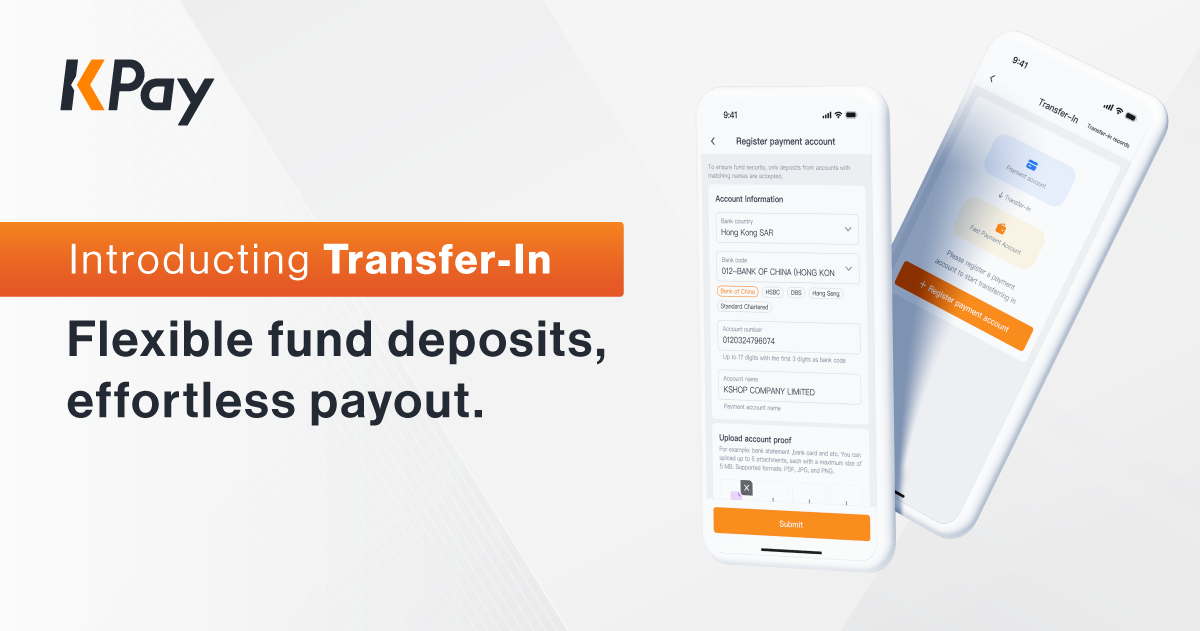
We’re excited to introduce the Transfer-In feature! you can now transfer funds from other bank accounts into your KPay Business Account anytime to ensure sufficient balance and complete all your payment transactions seamlessly. Whether you’re paying local bills, supplier invoices, overseas remittances, or employee salaries, you can handle transactions flexibly without balance limitations.
Flexible fund transfers: Add funds to your balance anytime to ensure sufficient funds and avoid interrupted transactions.
Diverse payout options: from local bill payments to supplier bills, international remittances, and payroll, handle all payment needs effortlessly.
How to Enable the Transfer-In Feature?
Activating the transfer-in feature is simple with just 2 steps:
Step 1: Activate payroll management
Merchants must activate the payroll management feature to use the Transfer-In functionality.
Step 2: Register your payment account
Register your payment account for transferring funds via the KPay App or KPay Pay-In and Pay-Out management platform. Once the account is approved, you can use the Transfer-In feature anytime!
Why Choose KPay Business Account?
1. Express settlement: upgrade to T+1 settlement, ensuring stable and flexible cash flow.
2. Cost-effective solutions: benefit from 250 free KPay Business Account transactions and international remittance fees that are 90% lower than banks.
3. All-in-one management: handle employee salaries, local transfers, overseas remittances, supplier invoices, and staff expenses in one platform.
4. Financial data analysis: access detailed income and expense reports with downloadable files for in-depth insights.
Open your account now! Unlock flexible, seamless transactions with Transfer-In!